
Dressmaker Wiki · Workflow · Build 410
Sketchbook
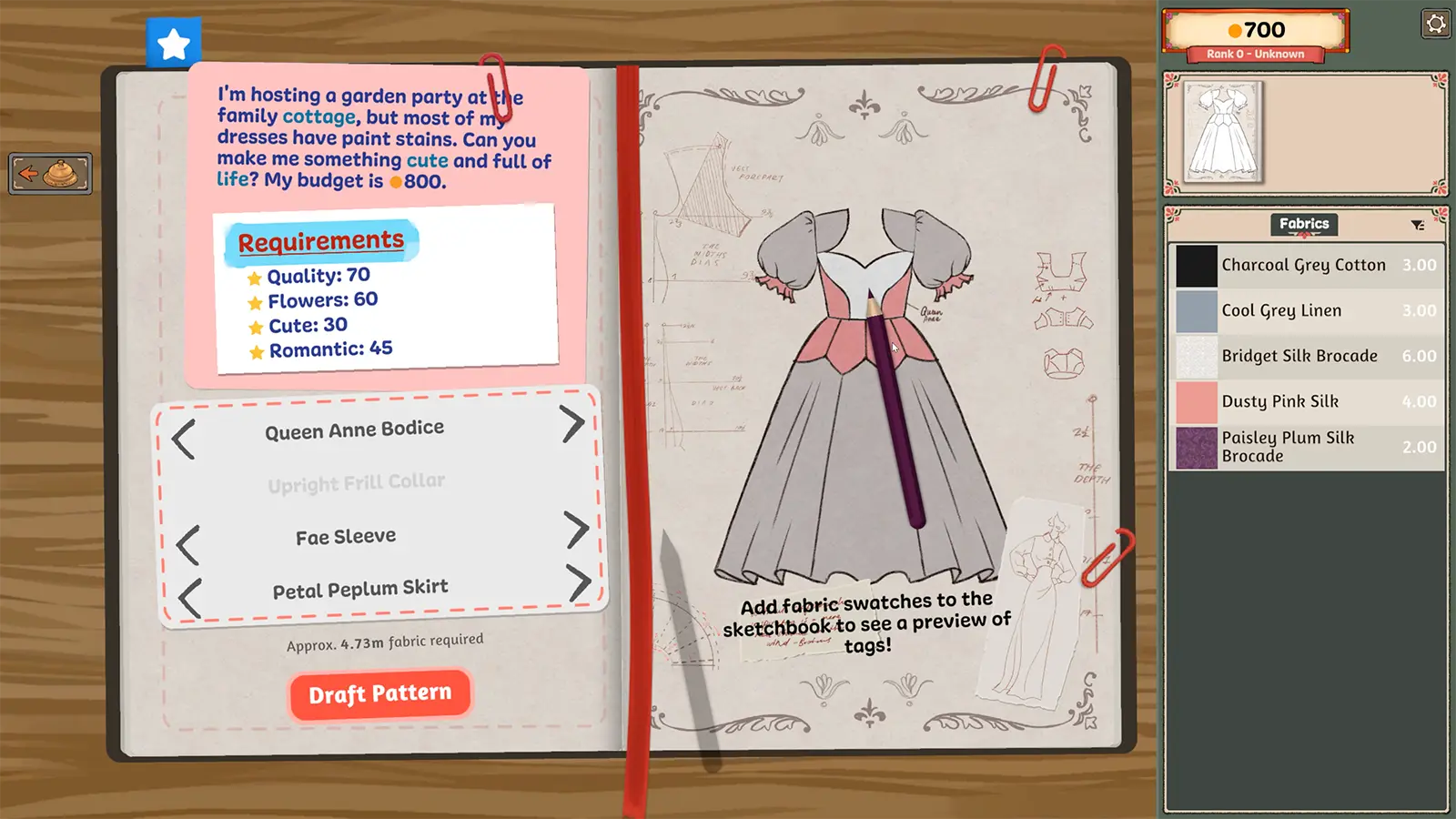
The sketchbook is the commission planning screen: choose garment pieces, preview material tags, compare the design against the request, and draft the pattern.
Short answer. Use the sketchbook before buying or cutting material. Change the bodice, collar, sleeves, and skirt until the preview supports the required tags, then draft the pattern.
01 / Player workflow
How it works and what to do
Open the current commission in the sketchbook. The request and requirements remain on the left, the dress preview is in the center, and fabric or accessory choices appear on the right.
02 / Requirements
Before you start
- 01
Have an accepted commission or start an off-the-rack design.
- 02
Know which tags the finished garment must reach.
- 03
Add or review fabric swatches before committing to the final materials.
03 / Core facts
At a glance
- Primary role
- Design and tag planning
- Garment pieces
- Bodice, collar, sleeves, skirt
- Material preview
- Fabric swatches update tags
- Final action
- Draft Pattern
04 / Field notes
Details that change the route
The displayed fabric requirement helps estimate how much cloth the current design will need.
Fabric tags and shape tags work together. A strong fabric rollback cannot rescue a silhouette with none of the requested style.
A fabric estimate can change when a major pattern piece changes, so wait until the silhouette is stable before buying final length.
The same planning loop supports commissions and original off-the-rack designs.
05 / Continue
Related entities and guides
Commission Requirements
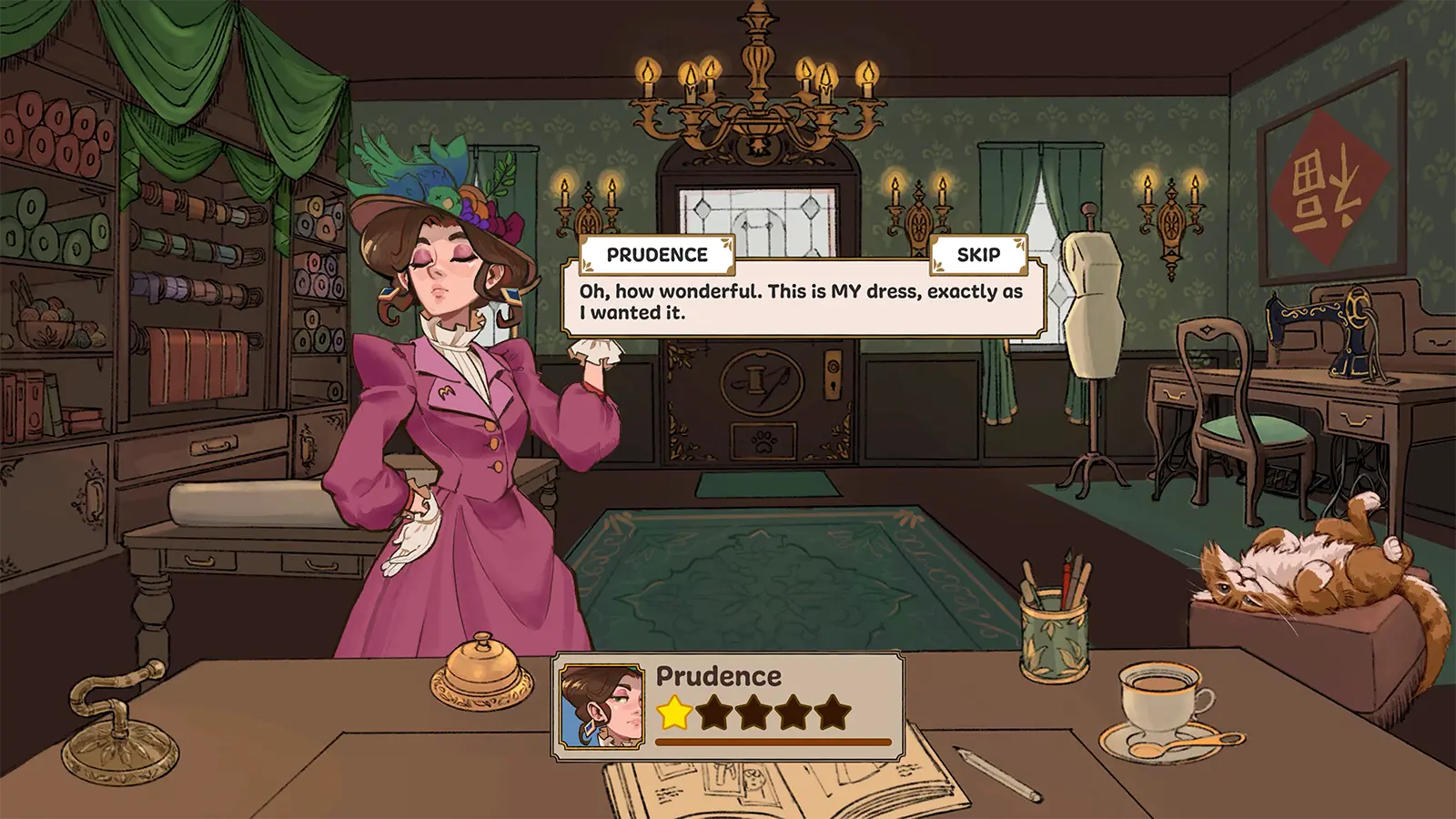
Every commission combines a brief, budget, and visible tag targets. Treat those targets as the final checklist rather than choosing materials by color alone.
Open player answer ->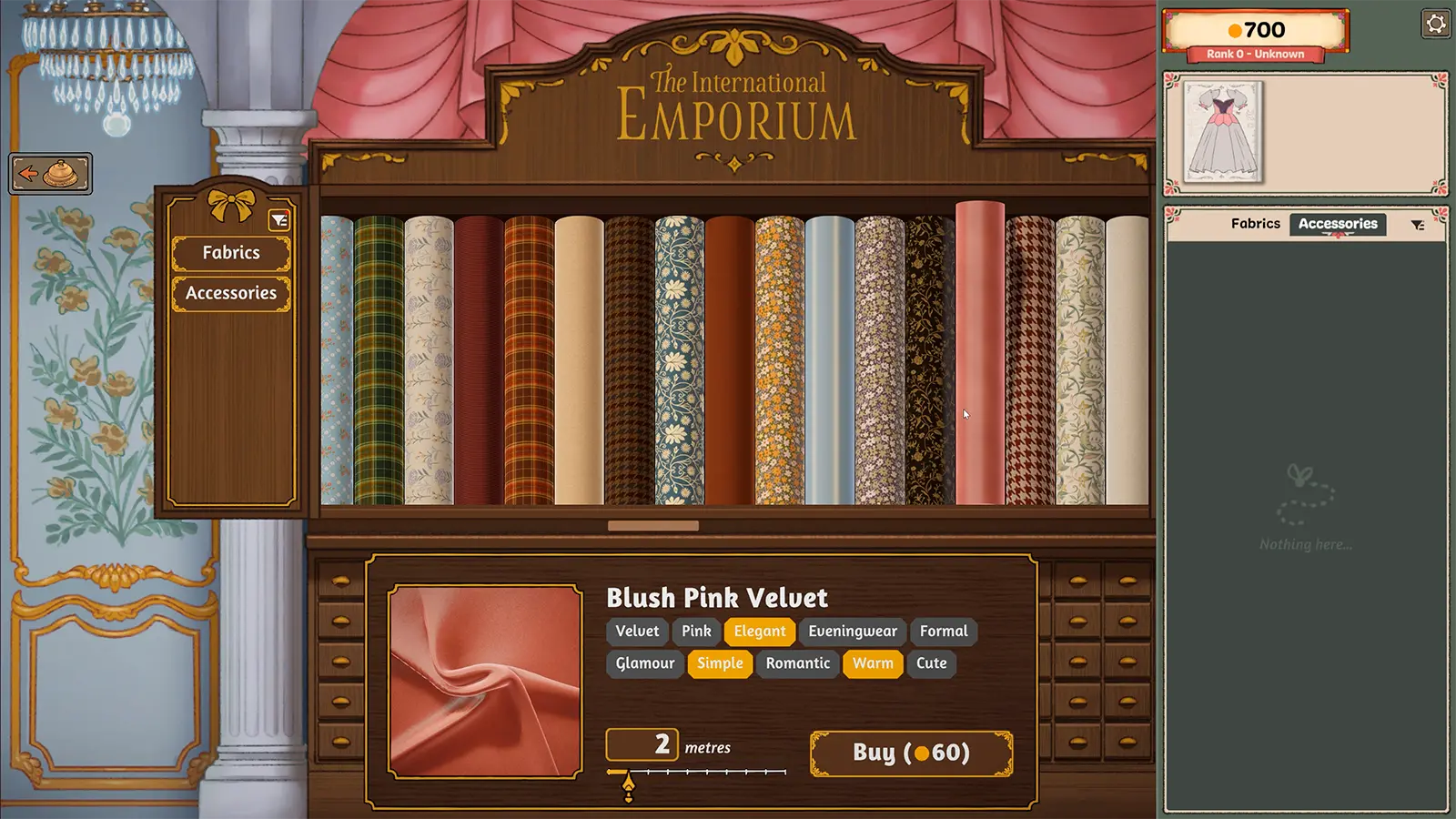
Fabric Shop
Fabrics carry visible style tags, prices, and visual finishes. The shop is a scoring and budget decision, not just a color palette.
Open player answer ->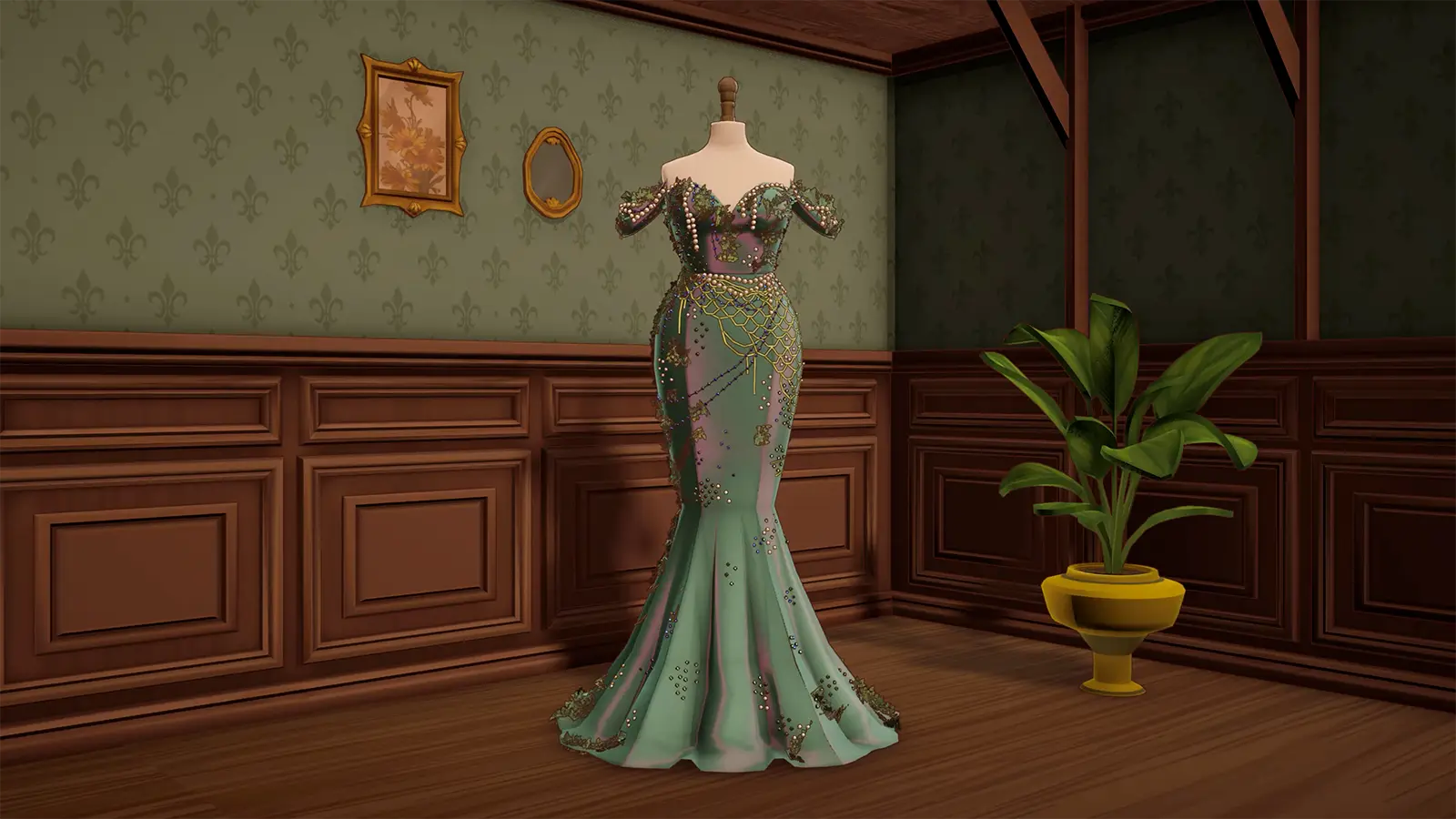
Silhouette Choices
Silhouette determines how much fabric and decoration the design can carry. A ballgown offers space for large motifs; a fitted gown demands cleaner placement.
Open player answer ->